
Lushai Dev.
Client SDK & Embed Kit • REST API v1

Developer API & Website Integration

Integrate PicPulse into your website or application to list pictures, display responsive albums, query custom slugs, and automate uploads via binary multipart or Base64 JSON.

picpulse.lushai.dev • Global Picture Cloud & Embed SDK
100% Free Use • Direct CDN
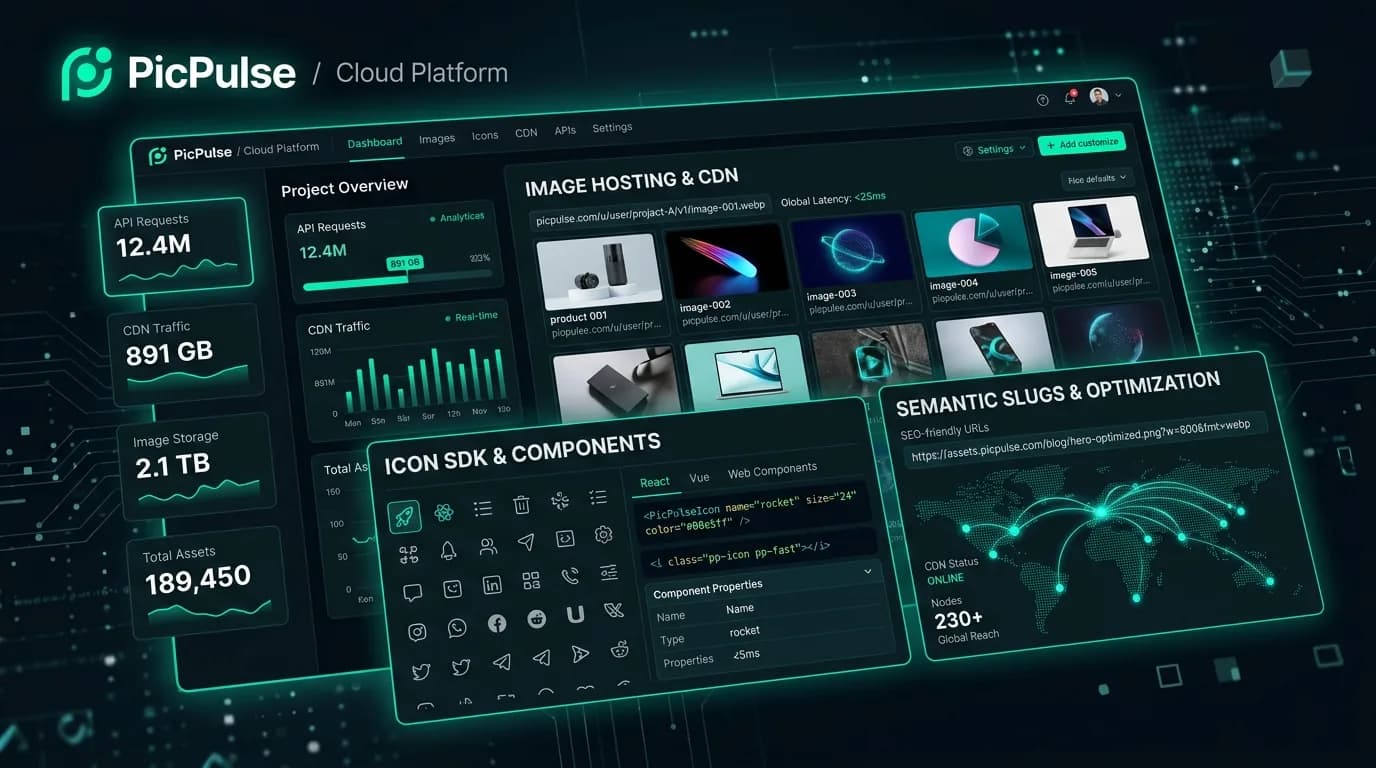
PicPulse Image Hosting & Developer API Showcase
Client SDK & Embed Kit

Website Integration — Show Pictures & Albums in Any Website

Embed entire picture galleries, user collections, or albums with a single script tag and declarative HTML containers.

Live SDK Docs
Step 1: Include the PicPulse SDK in your HTML

Paste this before the closing </body> tag in your website:

<script src="https://picpulse.lushai.dev/cdn/sdk.js" async></script>
Integration Methods
<!-- 1. Include the PicPulse SDK in your HTML before </body> -->
<script src="https://picpulse.lushai.dev/cdn/sdk.js" async></script>

<!-- 2. Drop-in Complete Picture Gallery with Lightbox -->
<div data-picpulse-gallery="all" data-limit="24" data-sort="newest"></div>
Live Render SimulationAuto Lightbox
Sample PicPulse Image
scenic-lake-dock.jpg
42 views
Breathtaking Sunset Lake1920 × 1080 • 1.47 MB
#lake#sunset#peaceful
https://picpulse.lushai.dev/raw/...Direct Link →

SDK handles responsive CSS, thumbnail prefetching, swipeable modal overlays, and click analytics automatically.

Authentication & API Headers

Secure API Authentication

Every authenticated write or private request must provide a valid API Key in the headers. You can generate or revoke keys instantly in your PicPulse Account Settings.

Header Option 1 (Recommended)
X-API-Key: your_api_key_here

Standard custom header for direct API key pass-through.

Header Option 2 (Bearer Token)
Authorization: Bearer your_api_key_here

RFC 6750 standard OAuth2 bearer token header.

Base URL: https://picpulse.lushai.dev/api/v1 • All endpoints return standard application/json.
Dual-Pipeline Upload Engine

POST /api/v1/images — Binary Multipart & Base64 JSON

Upload files programmatically using standard multipart/form-data or pure JSON payloads. Strictly requires authentication.

curl -X POST "https://picpulse.lushai.dev/api/v1/images" \
  -H "X-API-Key: YOUR_API_KEY" \
  -F "image=@/path/to/photo.jpg" \
  -F "slug=epic-sunset" \
  -F "category=nature" \
  -F "tags=sunset,mountains"

Upload Parameters Specification

FieldTypeRequiredDescription
imageBinary FileYes (multipart)JPG, PNG, GIF, WebP, BMP, or SVG (Up to 50MB)
image_base64StringYes (JSON)Base64 encoded image string (data URI or raw base64)
slugStringOptionalCustom URL slug (e.g. epic-landscape-2025). Auto-generated if omitted.
titleStringOptionalPublic display title. Defaults to custom slug.
descriptionStringOptionalImage description or caption text
categoryStringOptionalCategory name (e.g. photography, nature, wallpaper)
tagsStringOptionalComma-separated tags (e.g. mountains,sunset,hiking)
is_publicIntegerOptional1 for Public (default), 0 for Unlisted / Private
albumStringOptionalAlbum token or ID to associate the upload with
List Pictures & Image API

GET /api/v1/images • Pagination & Filtering

List pictures with full pagination, keyword search, tag filtering, album filtering, category matching, and sorting.

GET Method

Query Parameters

ParameterTypeDefaultDescription
pageInteger1Page index for pagination
limitInteger24Results per page (1 – 100)
qString—Search query matching slug name, title, description, or tags
albumString—Filter pictures by album token or album ID
userString—Filter pictures by username, or pass user=me to view your own uploads
categoryString—Filter by category (e.g. nature, wallpaper)
tagString—Filter by tag keyword
sortStringnewestSorting: newest, oldest, popular, size
Example JSON Response Payload
{
  "status": "success",
  "pagination": {
    "total": 240,
    "page": 1,
    "limit": 2,
    "total_pages": 120,
    "has_next": true,
    "has_previous": false
  },
  "data": [
    {
      "id": 105,
      "slug": "scenic-lake-dock",
      "title": "scenic-lake-dock",
      "file_size": 1542030,
      "file_size_formatted": "1.47 MB",
      "format": "JPG",
      "dimensions": { "width": 1920, "height": 1080 },
      "views": 42,
      "is_public": true,
      "category": "nature",
      "tags": ["lake", "sunset", "peaceful"],
      "created_at": "2025-05-12 14:20:00",
      "urls": {
        "view_page": "https://picpulse.lushai.dev/i/scenic-lake-dock",
        "direct_url": "https://picpulse.lushai.dev/raw/scenic-lake-dock",
        "thumbnail_url": "https://picpulse.lushai.dev/thumb/scenic-lake-dock",
        "cdn_embed": "https://picpulse.lushai.dev/raw/scenic-lake-dock"
      },
      "embed_codes": {
        "html": "<img src=\"https://picpulse.lushai.dev/raw/scenic-lake-dock.jpg\" alt=\"scenic-lake-dock\" />",
        "markdown": "![scenic-lake-dock](https://picpulse.lushai.dev/raw/scenic-lake-dock.jpg)"
      }
    }
  ]
}
API Catalog

Complete PicPulse REST API Endpoints

Standard REST endpoints with predictable HTTP response codes, CORS enabled, and instant CDN execution.

MethodEndpointCategoryAuthDescription
GET/api/v1/pingPlatform & HealthPublicPublic health check verifying API responsiveness and server availability.
GET/api/v1/statsPlatform & HealthPublicReturns public platform-wide statistics (total images, views, bandwidth, limits).
GET/api/v1/categoriesPlatform & HealthPublicReturns active image categories sorted by popularity.
GET/api/v1/tagsPlatform & HealthPublicReturns top image tags across public community uploads.
GET/api/v1/imagesPictures & ImagesPublic / KeyList pictures with pagination, keyword search, tag filtering, album filtering, category matching, and sorting.
GET/api/v1/images/{slug_or_id}Pictures & ImagesPublicFetch details and direct CDN links for a specific picture. Automatically increments views.
POST/api/v1/imagesPictures & ImagesX-API-KeyUpload files programmatically using multipart/form-data or pure JSON with image_base64.
PUT / PATCH/api/v1/images/{slug_or_id}Pictures & ImagesX-API-KeyUpdate title, custom URL slug, description, tags, category, or visibility. Image owners and admins only.
DELETE/api/v1/images/{slug_or_id}Pictures & ImagesX-API-KeyPermanently delete an image and clean up cached thumbnails.
GET/api/v1/albumsAlbums & CollectionsPublic / KeyList public albums, or pass user=me to list all albums belonging to your account.
GET/api/v1/albums/{token_or_id}/imagesAlbums & CollectionsPublicGet a paginated list of all pictures inside a specific album with thumbnails and direct links.
POST/api/v1/albumsAlbums & CollectionsX-API-KeyCreate a new album collection with title, description, and visibility setting.
POST / DEL/api/v1/albums/{token_or_id}/imagesAlbums & CollectionsX-API-KeyAdd (POST) or remove (DELETE) an image from a collection.
GET/api/v1/images/{slug_or_id}/analyticsAnalytics & AccountX-API-KeyGet 30-day time-series view trends and top referring websites for any owned image.
GET/api/v1/userAnalytics & AccountX-API-KeyRetrieve authenticated user profile, total hosted disk bytes, total views, and API key metadata.
Multi-Language Integration

Integration Code Snippets — Fetch Pictures & Albums

// Fetch all pictures for a user or website integration
async function getPictures() {
  const res = await fetch('https://picpulse.lushai.dev/api/v1/images?limit=20&sort=newest', {
    headers: {
      'Accept': 'application/json'
    }
  });
  const json = await res.json();
  
  // Iterate and display pictures in your custom UI
  json.data.forEach(picture => {
    console.log("Picture Name:", picture.slug);
    console.log("Thumbnail:", picture.urls.thumbnail_url);
    console.log("Full Image:", picture.urls.direct_url);
  });
}

// Fetch all albums
async function getAlbums() {
  const res = await fetch('https://picpulse.lushai.dev/api/v1/albums');
  const json = await res.json();
  console.log("Albums list:", json.data);
}

getPictures();

Frequently Asked Questions

Website SDK embedding, image sizes, albums, and API key authentication.

Ready to integrate PicPulse into your website?

Include the 1-line script or call REST endpoints directly from your frontend or backend. Start hosting and embedding images in under 2 minutes.

Architecture & Real-World Guide

Simplifying Media Hosting for Modern Websites

Setting up dedicated cloud object storage (like AWS S3 or Google Cloud Storage) for a blog, portfolio, or community portal requires tedious bucket configurations, IAM roles, custom CDN setups, and complex image resizing pipelines.

PicPulse provides an all-in-one developer media infrastructure. Upload images via simple REST API calls using multipart forms or Base64 strings, group them into categorized albums, and display responsive galleries with a single HTML tag.

With automatic WebP compression, global CDN caching, and customizable privacy visibility, PicPulse removes the friction from managing media assets.

How PicPulse Powers Your Media Workflow

01

Upload Assets via REST API or Dashboard

Push image files directly using standard multipart forms or Base64 JSON payloads with your private API key.

02

Automatic Cloud Optimization

PicPulse automatically processes your image, converts it into modern WebP format, and generates thumbnail previews.

03

Embed with 1 Line of HTML

Drop the declarative <div data-picpulse-gallery="album_id"></div> container into your site along with our 3KB script.

Core Technical Capabilities

Declarative Web Component Embeds

Embed beautiful, responsive masonry and grid galleries with a single HTML attribute and zero custom CSS.

Automatic WebP Compression

Reduces image payloads by up to 75% compared to raw JPEG/PNG while maintaining visual clarity.

Binary Multipart & Base64 REST APIs

Easily upload images from server-side Node.js, Python, or PHP scripts, or directly from mobile applications.

Album Categorization & Custom Slugs

Group related pictures into albums and query photos by custom slug tags for flexible frontend filtering.

Technical Specifications & Latency Parameters

Embed SDK Size< 3.8 KB minified gzipped
Storage FormatsAuto-optimized WebP, PNG, JPEG, SVG
CDN Edge Latency< 45ms global delivery
Upload PipelinesMultipart/form-data & Base64 JSON
Max File Size15 MB per image asset

Production Code Snippets

Upload Image via cURL
curl
curl -X POST https://picpulse.lushai.dev/api/v1/upload \
  -H "Authorization: Bearer YOUR_API_KEY" \
  -F "file=@photo.jpg" \
  -F "album_slug=summer-collection" \
  -F "title=Sunset View"
HTML Embed Example
node
<!-- 1. Include the lightweight PicPulse SDK -->
<script src="https://picpulse.lushai.dev/cdn/sdk.js" async></script>

<!-- 2. Display responsive photo gallery anywhere on your page -->
<div data-picpulse-album="summer-collection" data-picpulse-layout="masonry"></div>

Production Implementation Insights

Specify Descriptive Titles

Add image titles and alt tags during upload to enhance accessibility and improve image search indexing for your brand.

Leverage CDN Browser Caching

PicPulse assets include permanent immutable cache headers to ensure instant loading for returning visitors.

Frequently Asked Questions & Integration Details

Do I need to host an S3 bucket to use PicPulse?

No. PicPulse handles complete cloud storage, WebP compression, and edge CDN distribution automatically.

Can I restrict image uploads to my authorized domain only?

Yes. You can configure allowed origin domains in your developer console to prevent unauthorized hotlinking.

What is the size footprint of the client embed script?

The client SDK is under 4KB and loads asynchronously without blocking page rendering or degrading Core Web Vitals.

HomeAPIs & DocsPricingToolsAccount